FalconCast TV
FalconCast brings thousands of live TV channels, sports, movies and shows straight to your Android device in crisp HD — fast, smooth and buffer-free.
Latest version details at a glance.
| App Name | FalconCast |
|---|---|
| Package Name | com.falconnew.live |
| Latest Version | 4.3.2 |
| File Size | 9.7 MB |
| Requires | Android 5.0+ |
| Firestick Code | 1636532 |
| Category | Live Streaming, Sports, Entertainment |
| Developer | FalconCast |
| Price | Free |
| Last Updated | Jun 18, 2026 |
Why FalconCast
Powerful features wrapped in a clean, fast, easy-to-use app.
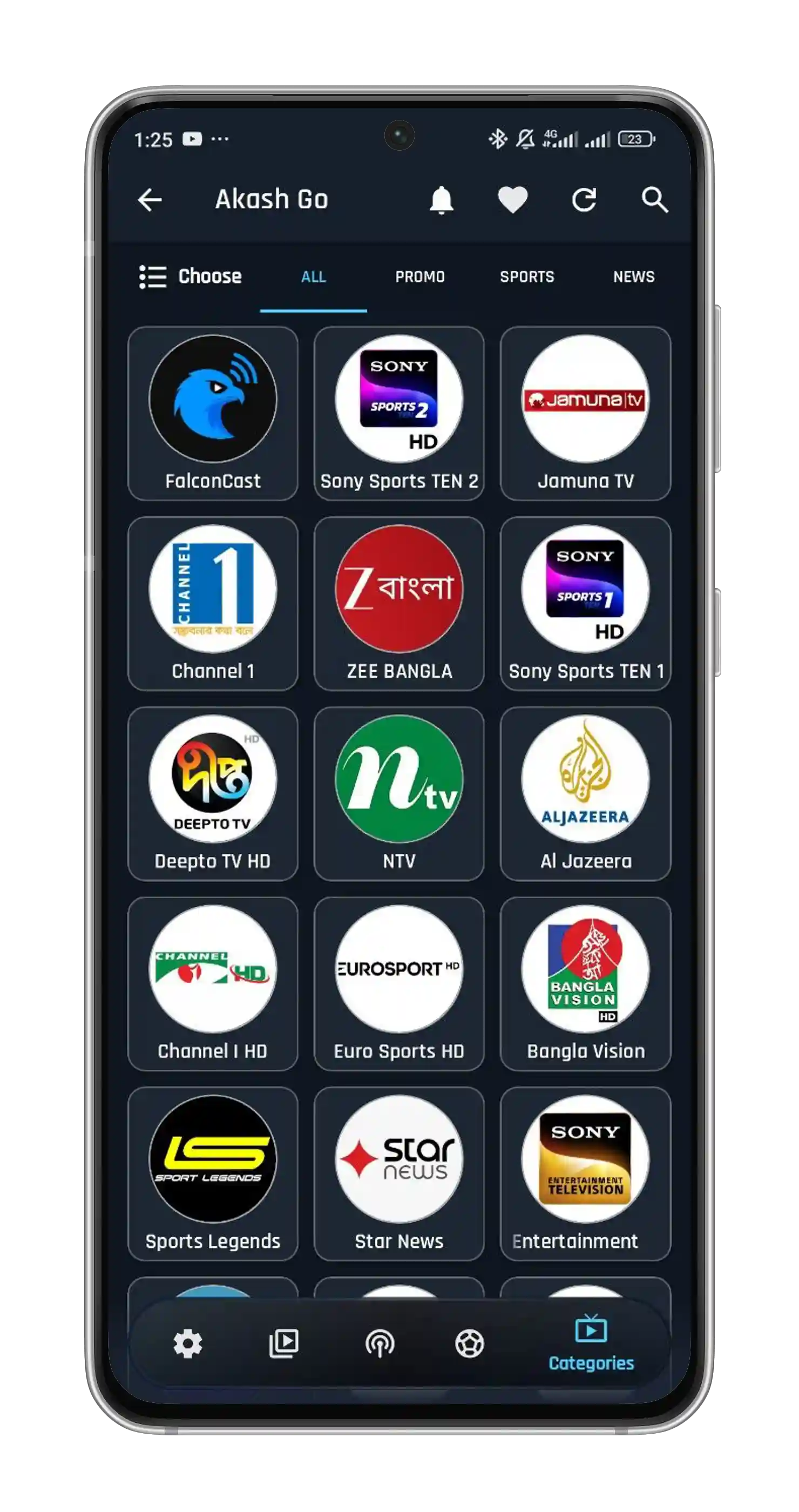
Stream local and international live TV channels — news, entertainment, kids and more — in crystal-clear HD.
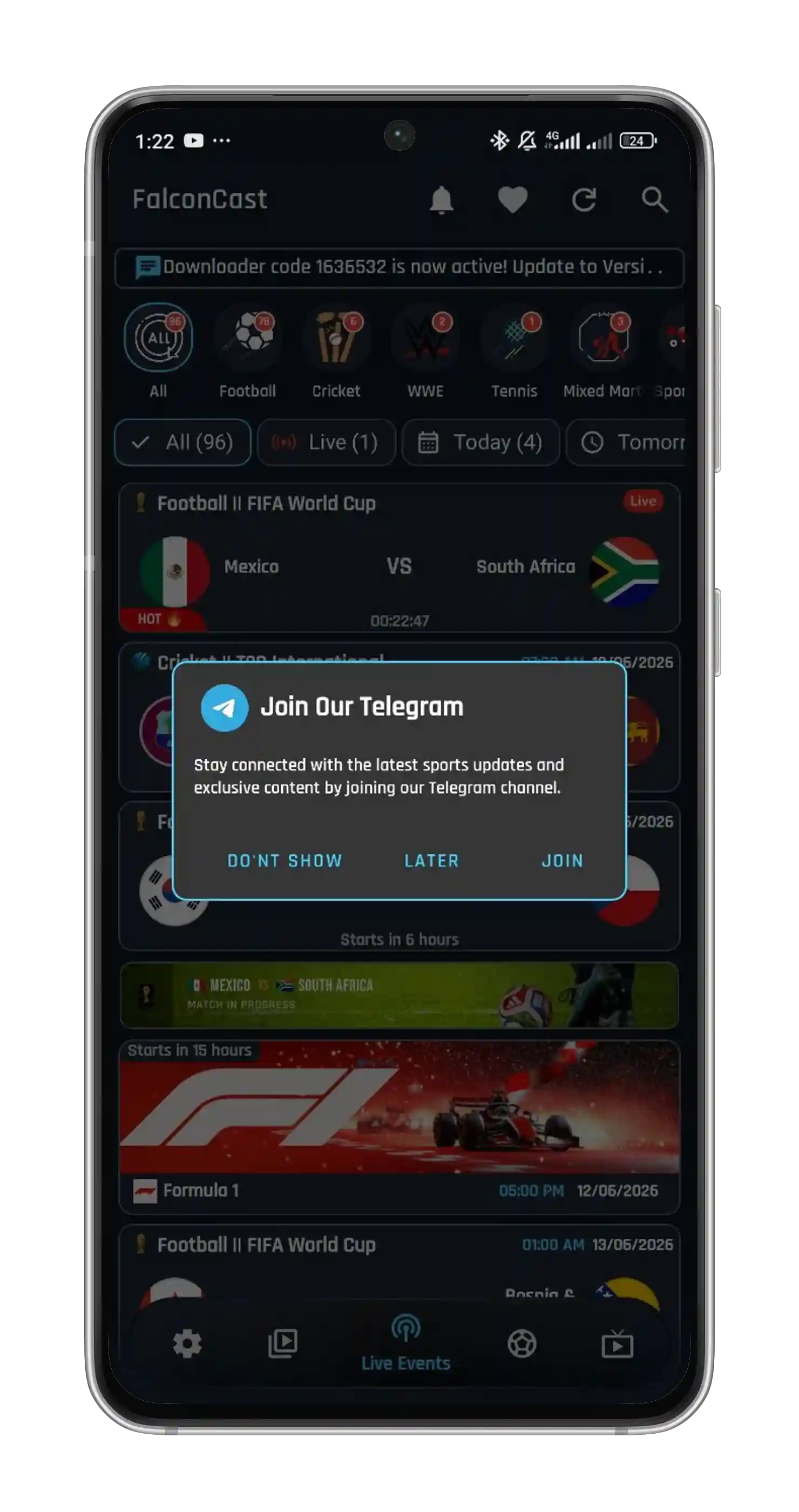
Watch live football, cricket, basketball, baseball and American football from leagues and tournaments worldwide.
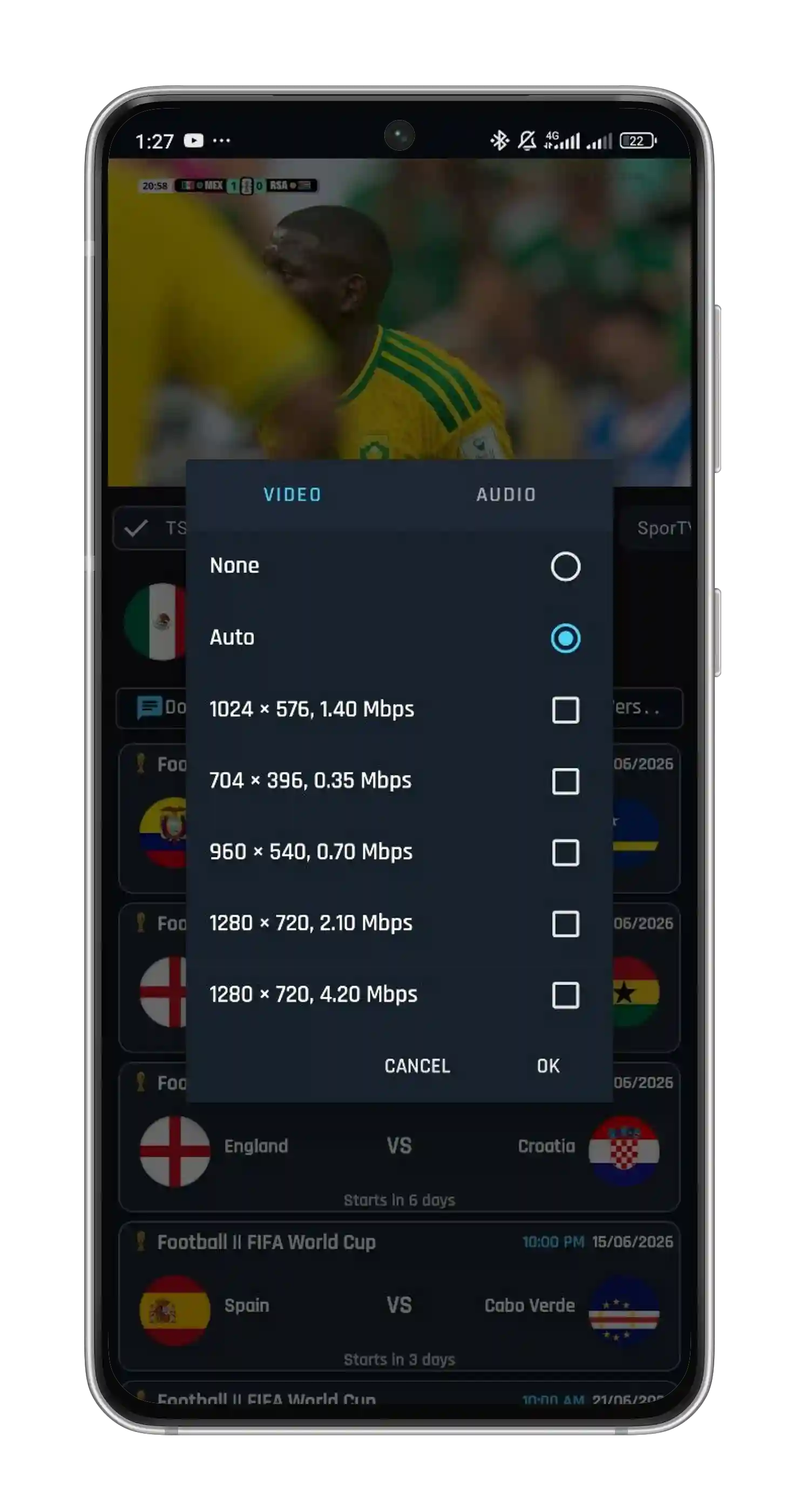
Multiple stream quality options deliver smooth, buffer-free playback on any internet connection.
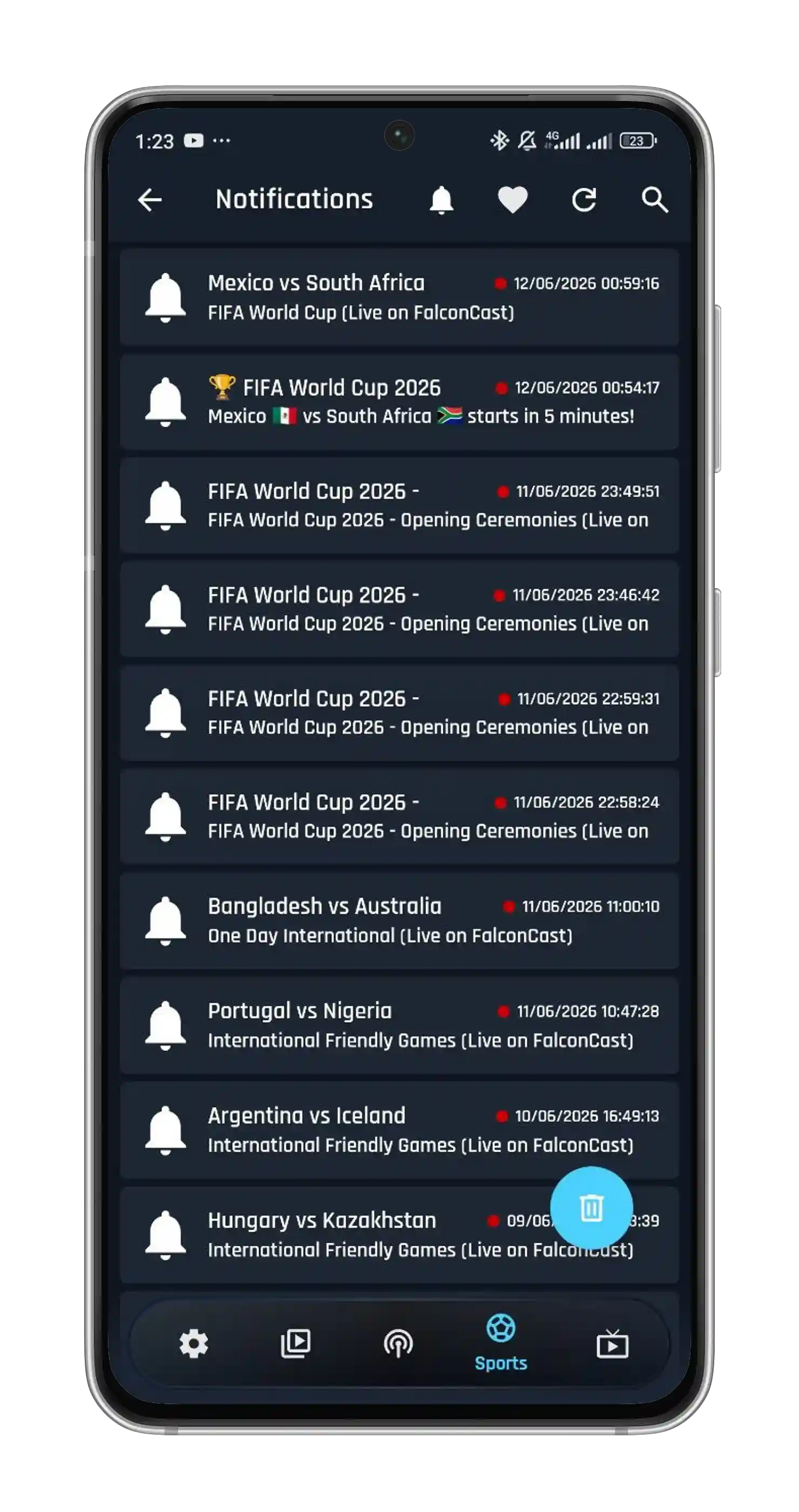
Real-time score updates, instant notifications and quick match highlights so you never miss a goal, six or wicket.
A huge on-demand library of the latest movies and binge-worthy TV series, ready whenever you are.
Use FalconCast on Android phones, tablets, Android TV and Firestick — Windows supported via emulator.
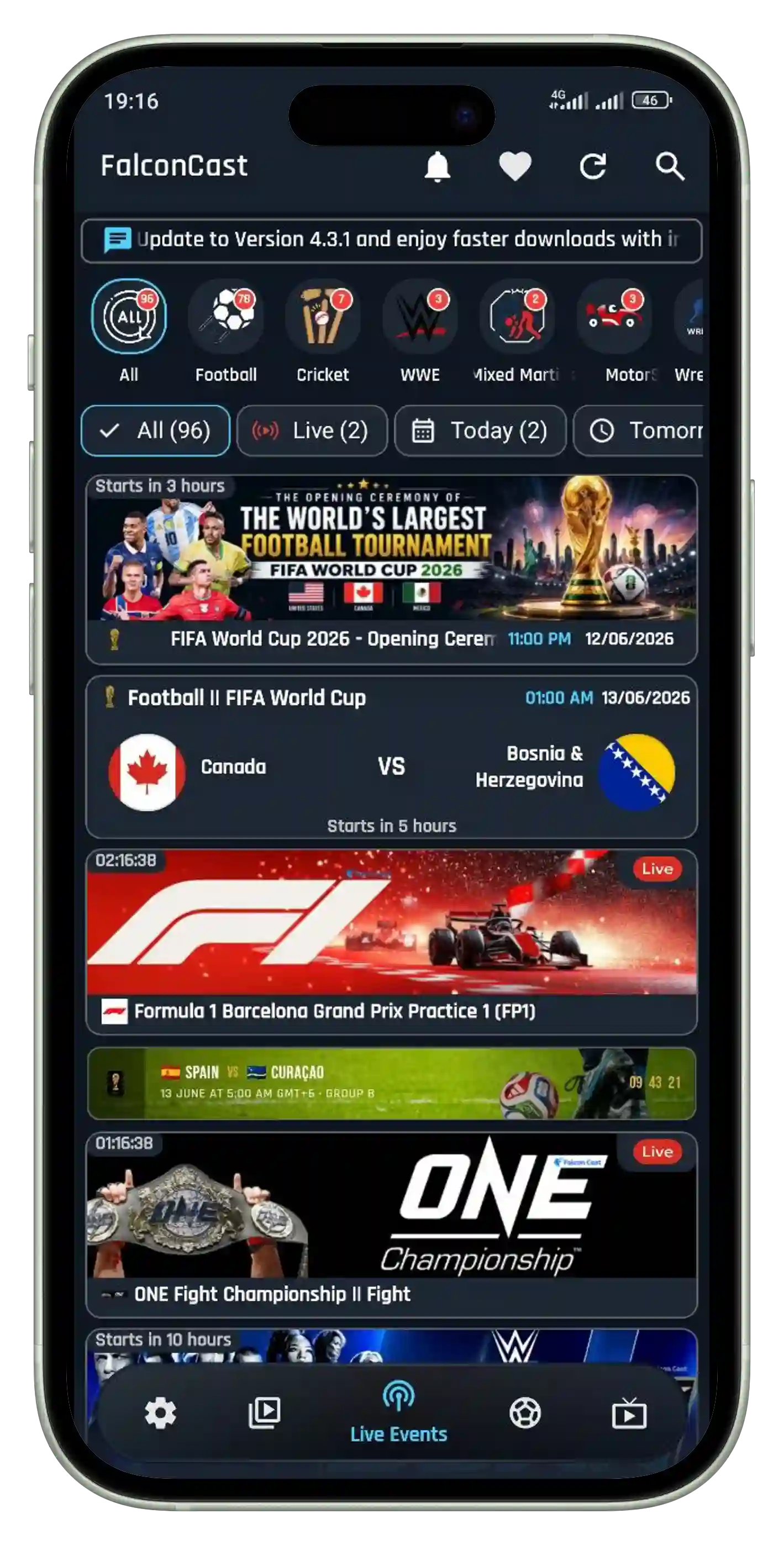
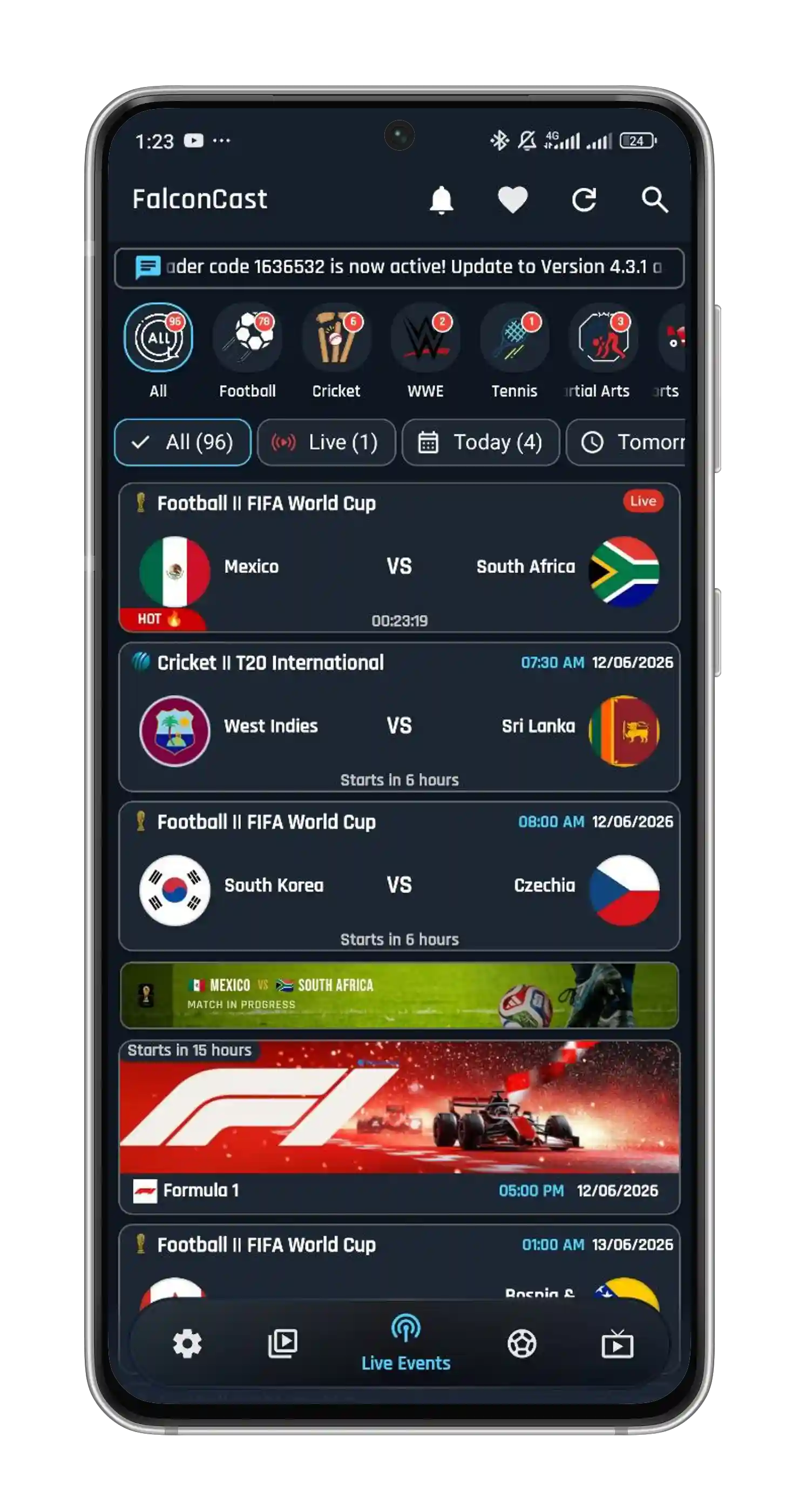
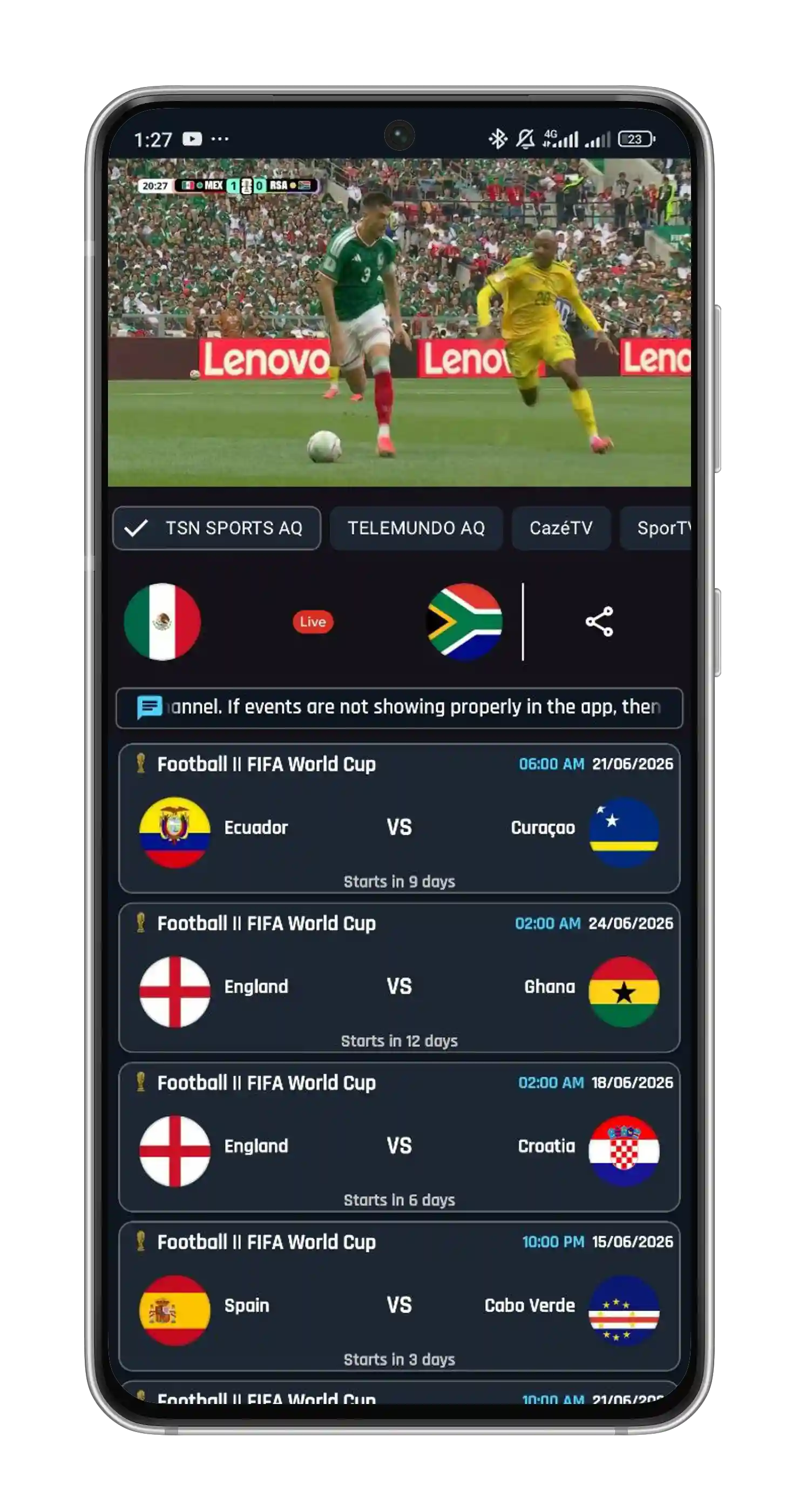
App Gallery
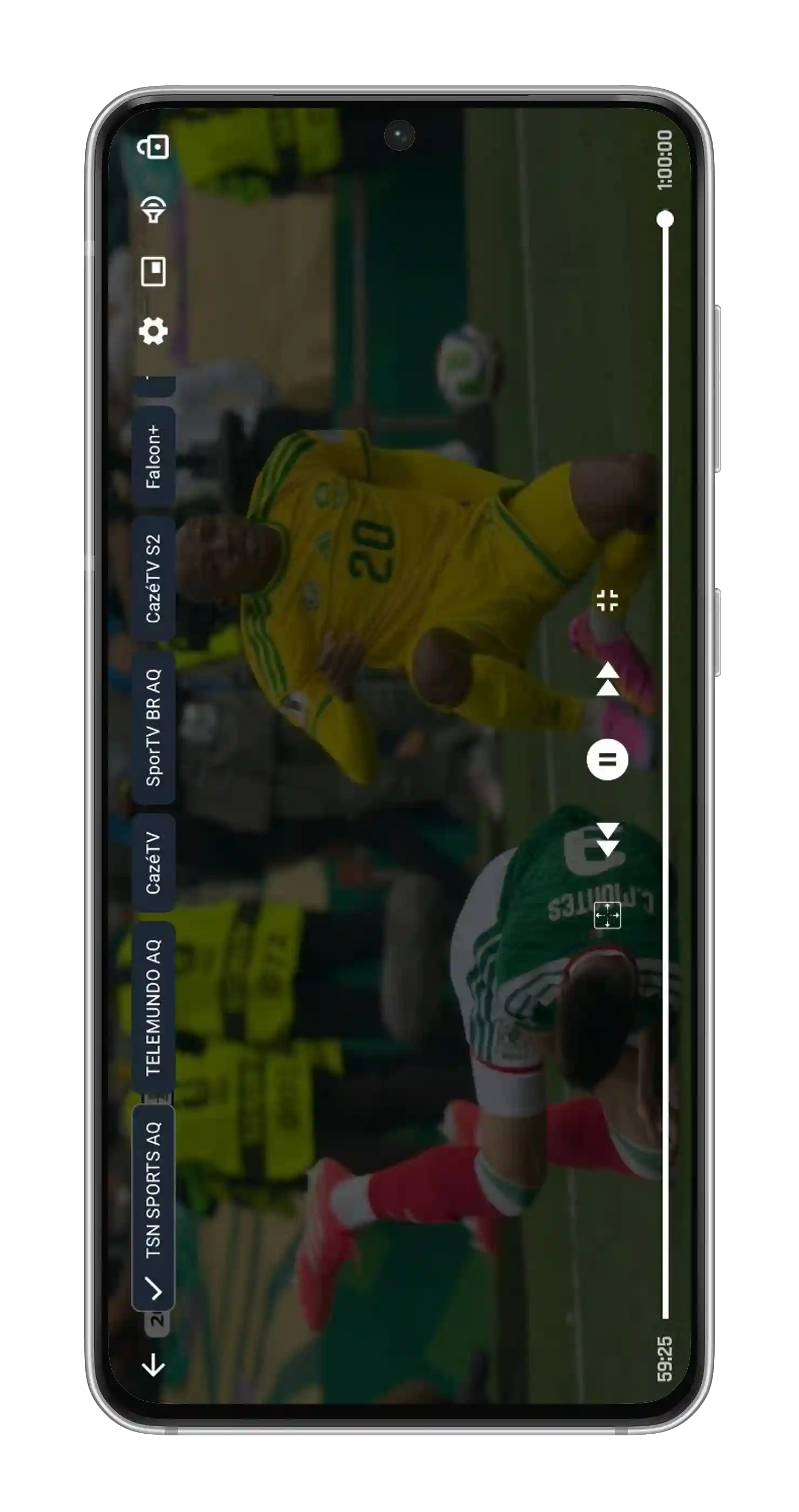
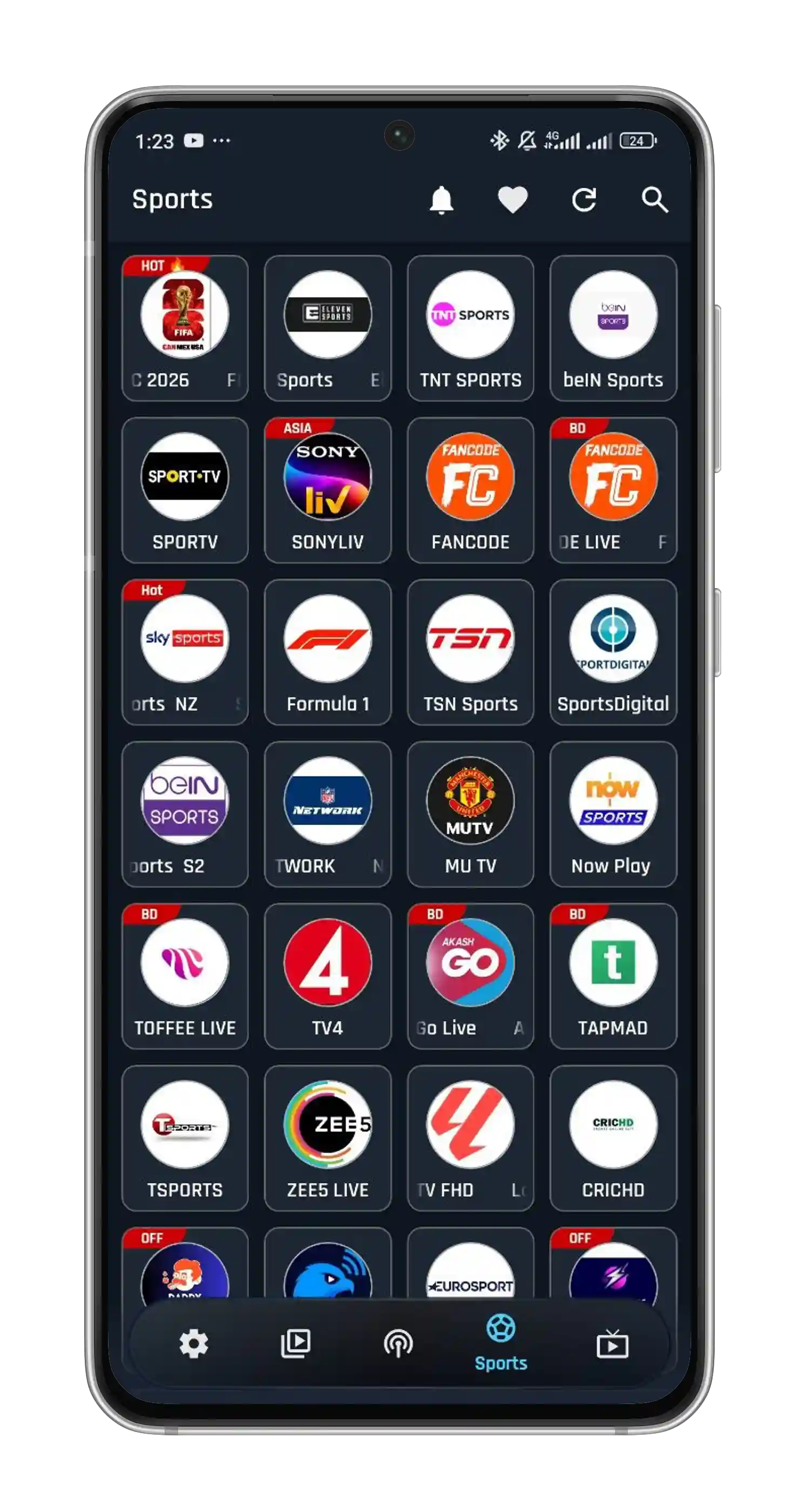
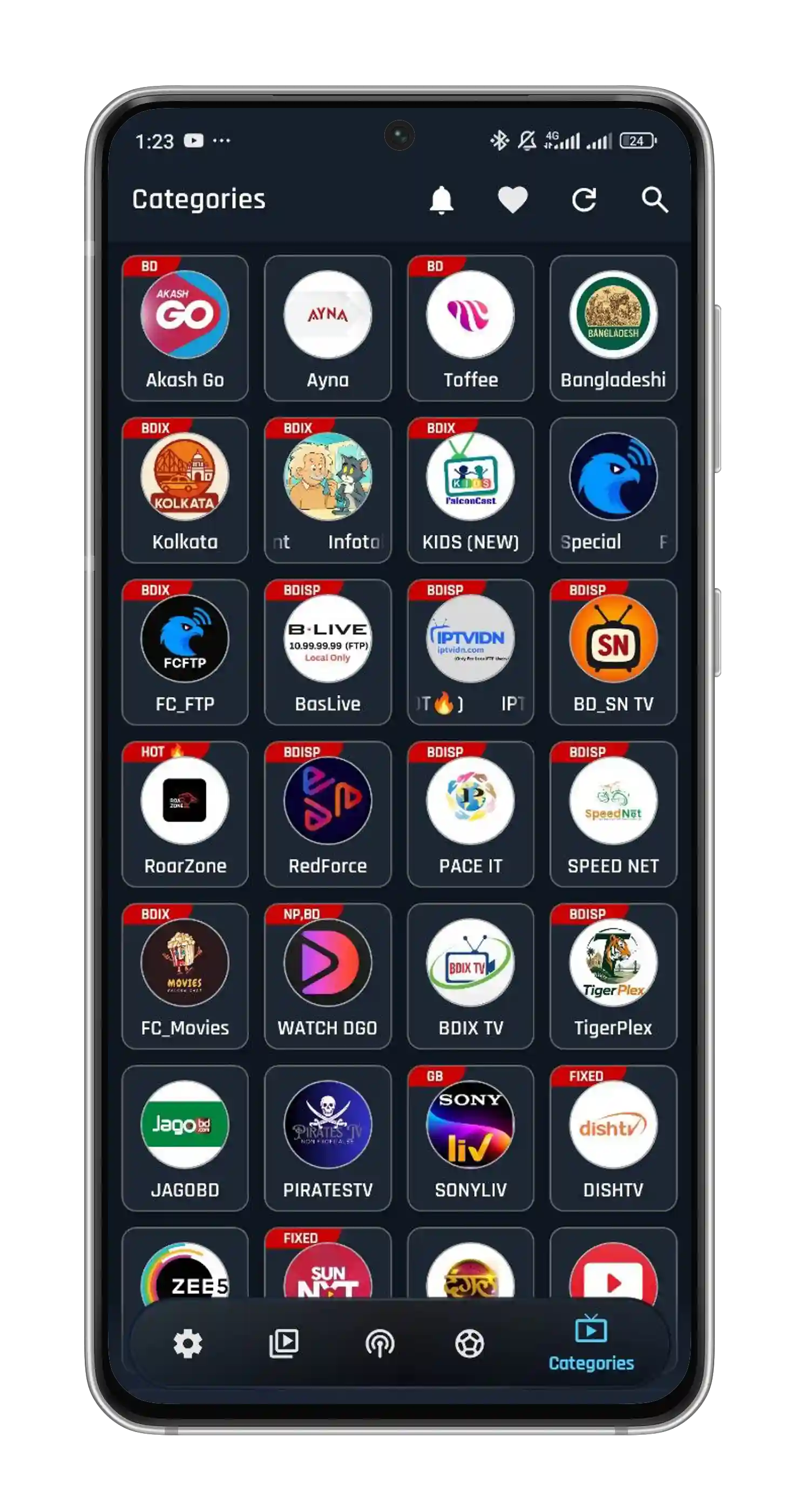
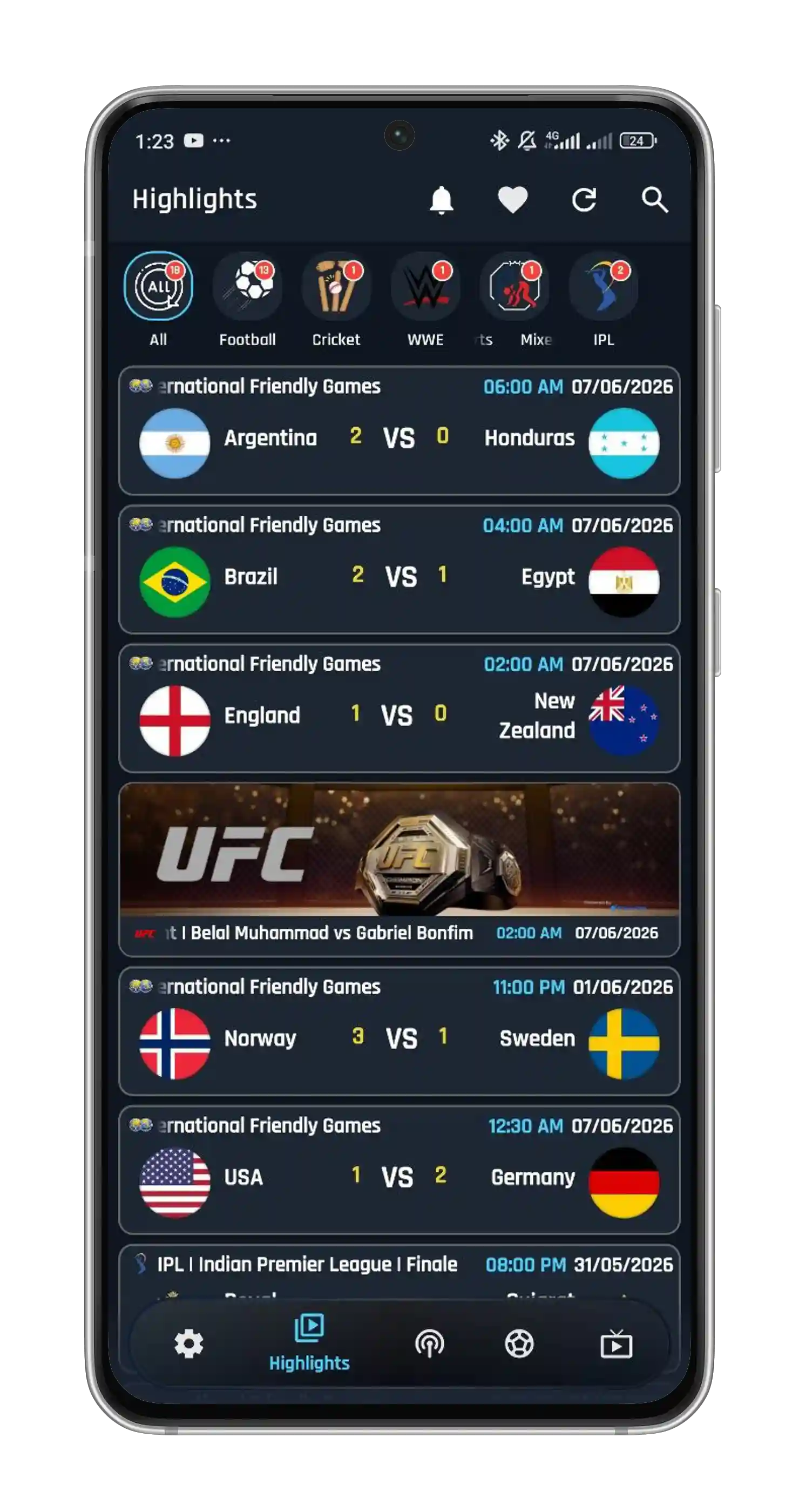
A look inside the FalconCast app — live sports, channels, the player and more.
Quick setup
No tech skills needed — you'll be watching in under a minute.
Tap the download button to grab the latest FalconCast APK file to your device.
When prompted, enable "Install from unknown sources" for your browser or files app.
Open the downloaded file, tap install, then launch FalconCast and start streaming.
Installing on a specific device? Pick yours:
FalconCast covers the sports you love, all year round.
Help
Yes — FalconCast is completely free to download and use. There are no subscription fees, no in-app purchases and no hidden charges.
FalconCast provides access to streams that are publicly available on the internet and does not host any content itself. We recommend using a VPN for enhanced privacy, and always downloading the APK from this official website to stay safe.
No. FalconCast is currently available only for Android-based devices — phones, tablets, Android TV and Firestick. Windows PCs are supported via an Android emulator.
On your Firestick, open the Downloader app, enter the code 1636532 (or this website's URL), download the FalconCast APK and install it. Make sure apps from unknown sources are enabled in your Fire TV settings.
FalconCast runs on Android 5.0+ phones and tablets, Android TV, Amazon Firestick and Windows (via emulator), with built-in Chromecast support for casting to your TV.
Yes. FalconCast offers live football, cricket, basketball, baseball and many other sports, complete with live scores, commentary and post-match highlights.
We update FalconCast regularly to add new features, improve performance and keep streams stable. The latest version is 4.3.2 — always grab the newest build from this website.
Streaming apps are distributed directly as APKs so you get the latest features and fixes faster, without Play Store restrictions.
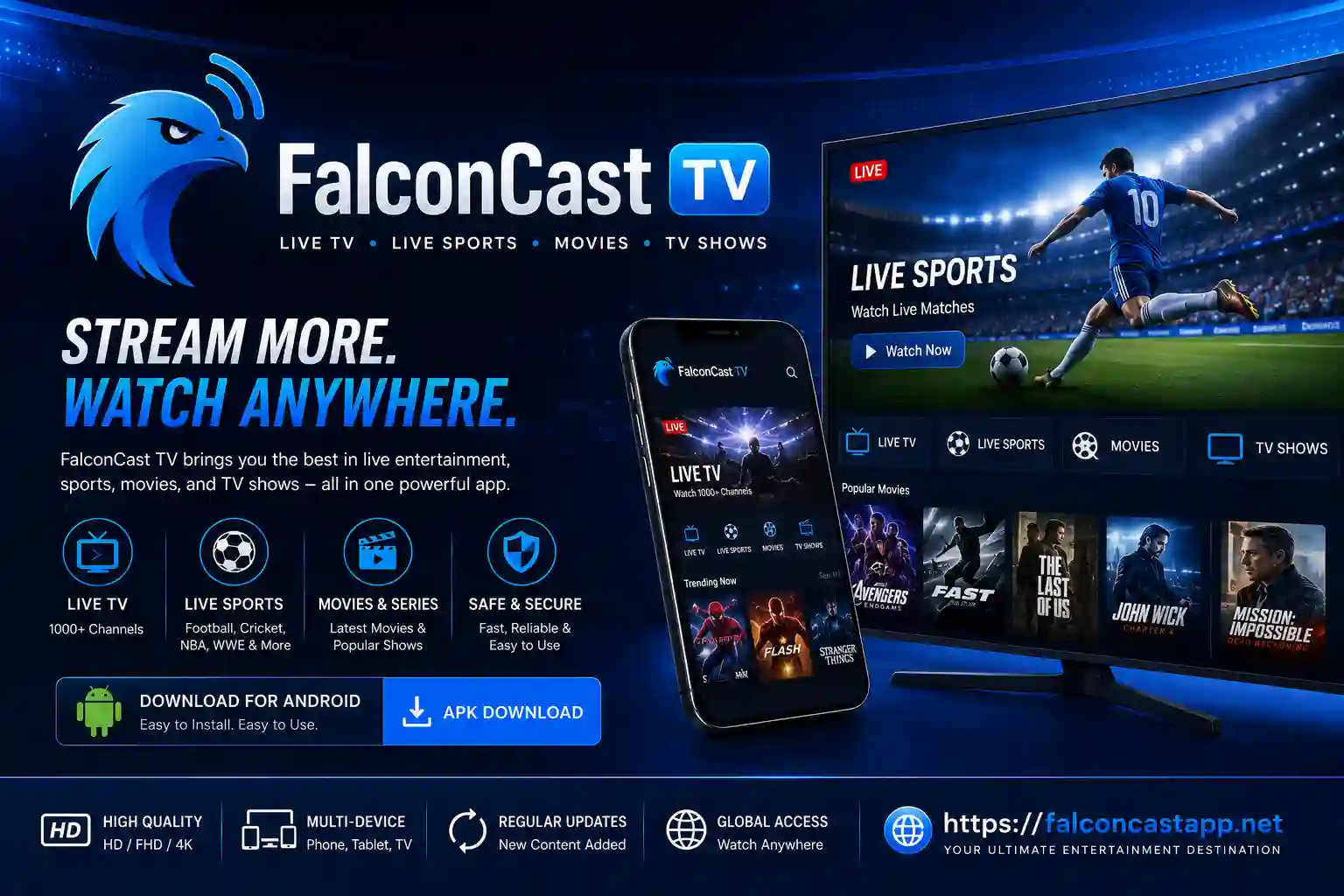
FalconCast brings thousands of live TV channels, sports, movies and shows straight to your Android device in crisp HD — fast, smooth and buffer-free.
Nothing. FalconCast is completely free — no subscription, no in-app purchases and no card details. The APK is small (9.7 MB) and runs on Android 5.0+, so it works comfortably on older phones as well as new ones, plus tablets, Amazon Firestick and Android TV boxes.
Setup takes about a minute. Grab the latest file from our download page, then follow the simple Android install guide. Watching on a bigger screen? We have step-by-step guides for Android TV and Amazon Firestick using the free Downloader app, and for Windows or Mac using an emulator like BlueStacks.
Paid streaming packages are expensive and spread across too many apps. FalconCast keeps it simple — the channels and matches you actually care about, across every sport, in one free place. Stream links are checked and refreshed regularly, so the app stays reliable through the IPL, the Premier League, the World Cup and the rest of the season. Still have a question? Our FAQ covers safety, installation and supported devices.
v4.3.2 · 9.7 MB · Updated Jun 18, 2026